# 14.4 Water Supply Network
The ***Water Supply Network*** Sub-Module maintains the information regarding the water supply networks of the city.
14.4.1 Navigate to the Water Supply Network
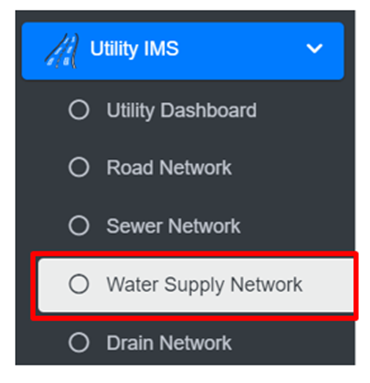
• Open the sidebar and click on ‘Utility IMS’ to expand.
• Select the Water Supply Network
**Overview:**
The Water Supply Network Page lists all the records stored in the module and provides different Filters, Actions and Tools that can be used according to the requirements. For more details (refer to section 5 Filters, section 6 Actions and section 8 Tools).
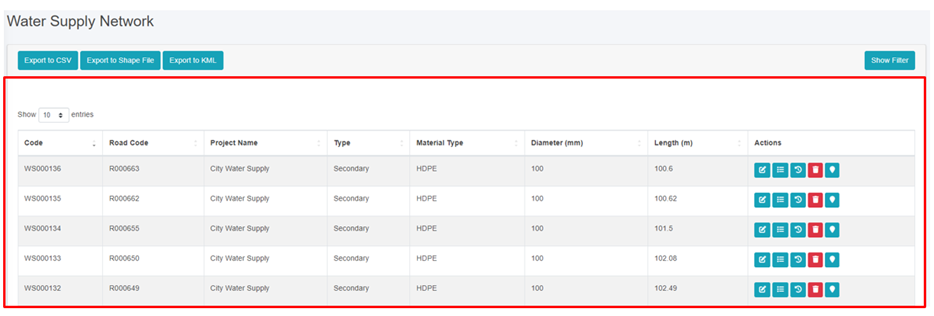
Figure 14- 11 List of Water Supply Network
**Note:**
· Deletion of water supply data is not permitted when it is associated with building data.