# Navigate to Dashboard
- After successful login, a dashboard page is displayed.
- The user must select ***'Emptying Service'*** card to enter details related to emptying service.
- Click on the three dots at the top right corner to get the log out option.
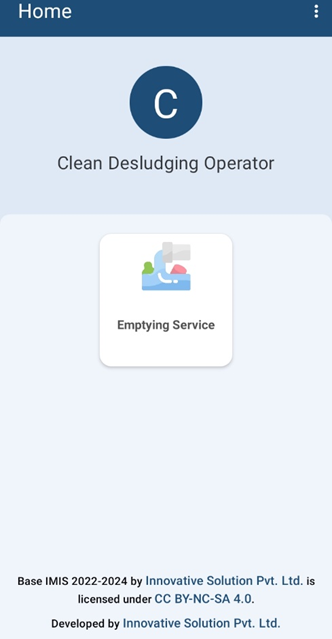
*Figure 4-1 Dashboard*
##### **Overview:**
- Once the user is successfully logged in, the user is redirected to the Dashboard screen.