# Navigate to emptying service
- For collecting the emptying service details of the application, click on the ***Emptying Services*** on the dashboard.
- Once clicked, the user will be directed to a list of applications that have been created.
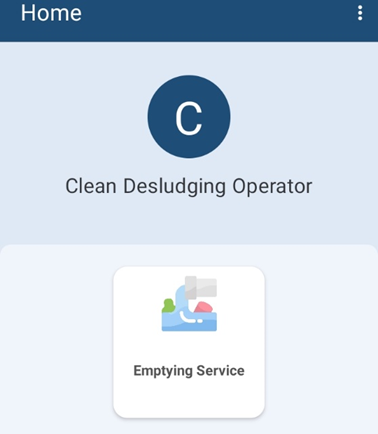
* Figure 5-1 Emptying service*
##### **Overview:**
- To initiate the emptying service process, the user must first access the Application List page.
- After the user is directed to the application list page, user can see the list of applications to fill up the details related to actual emptying operation.
##### **Tools:**
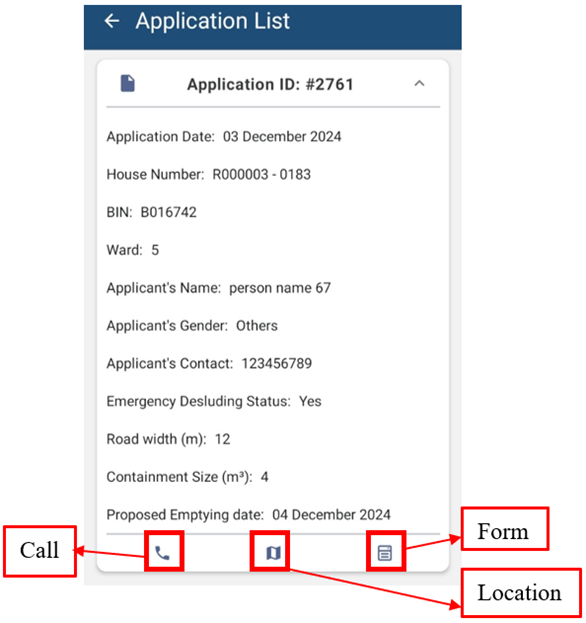
* Figure 5-2 Application list*
- **Call:** Click on the phone icon to call the Applicant directly.
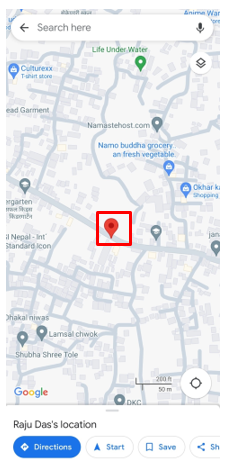
- **Location:** Clicking on location icon allows the user to view the location of the user’s containment that needs to be emptied on a map. After clicking the map icon, the user will be redirected to the google maps interface.
**
[](http://152.42.244.158/knowledge-product/uploads/images/gallery/2024-02/112.png)**
* Figure 5-3 Location on Map*
- **Form**: Clicking on the form icon permits the user to fill up the form required for emptying the containment service.
##### **Overview:**
- Applicant locations are based on each application received.