
Login
2.1 Opening the app
· On opening the app for the first time, the user is asked for their login credentials.
· Enter the email address and password provided in the textbox.
· Tap on ‘LOG IN’.
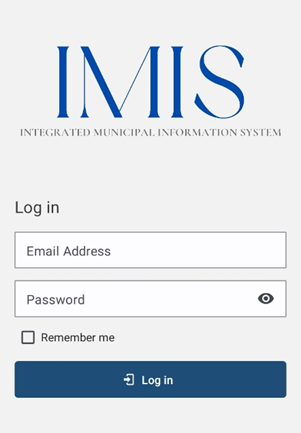
Figure 2-1 Login
Overview:
· This login credential is created and provided by the Municipality Admin to the Sanitation Department.
· The app retains the login information until the user's session becomes inactive or expires.
· It is to be noted that GPS needs to be turned on while using the mobile application. When the user is using the app for the first time, the user must allow location permission to the app
· Once successful login, the user is redirected to the Dashboard screen.
No Comments